Hi all,
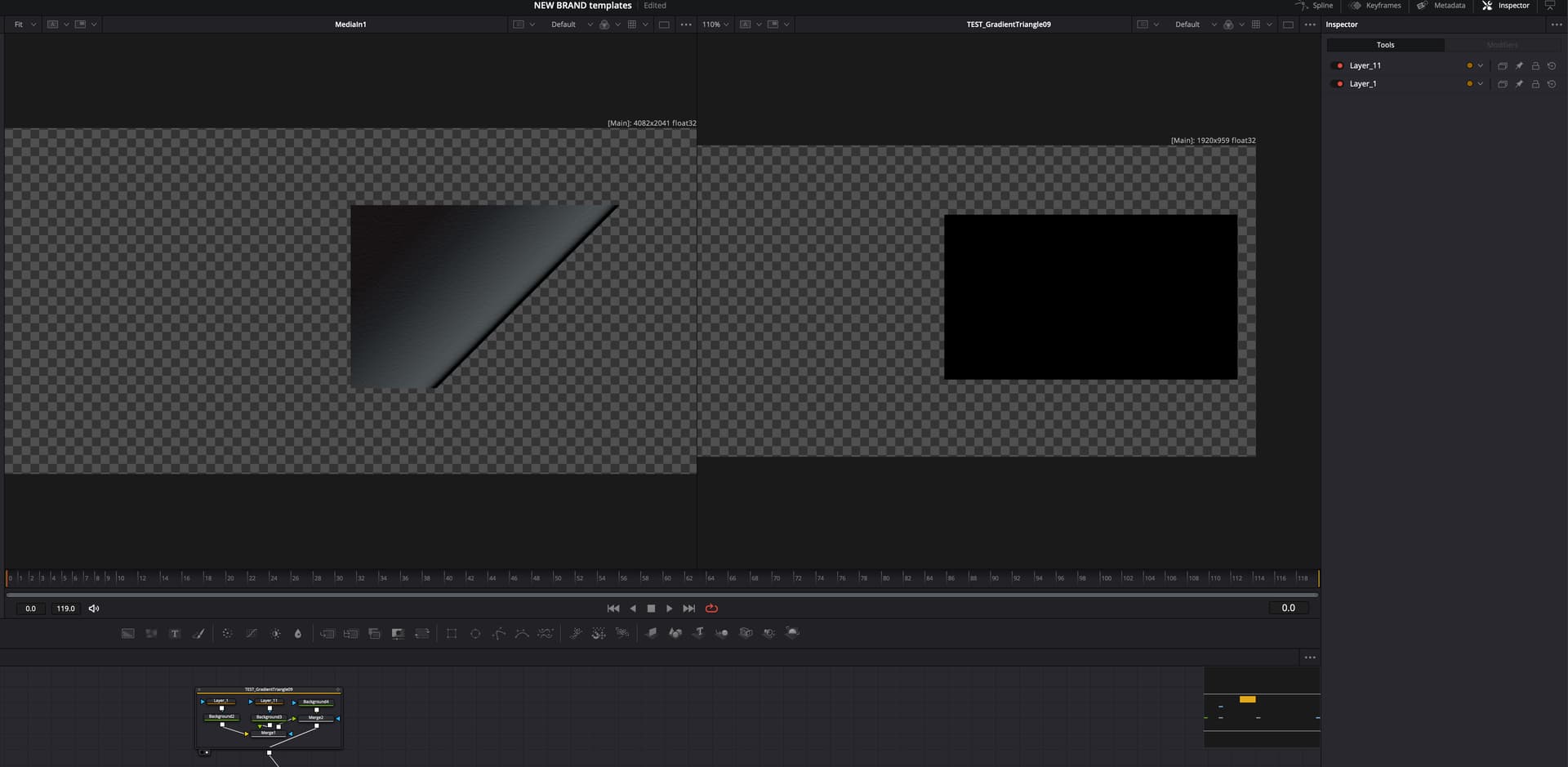
I’m working on creating some new animations for a brand and am having trouble with translating the files into Fusion from Illustrator. The designer is saving the files as an SVG file, but every time I bring them into Fusion, this is what happens (see below). Are there any specific save settings we should be utilizing to actually get the translation to work?
On the left is what the file should look like (this is just a png). The right is what it translates to immediately after bringing it into Fusion as an svg.
Gradients typically aren’t good to work with like this. That could be part of your problem. Do you have any of the shapes from the svg in your comp?
What do you see when you view the svg in a web browser?
If the export wasn’t cleaned of unused layers you might be seeing one of them as a black background node over everything.
Thanks for the reply, @JayAreTV . Some weird stuff seems to be happening.
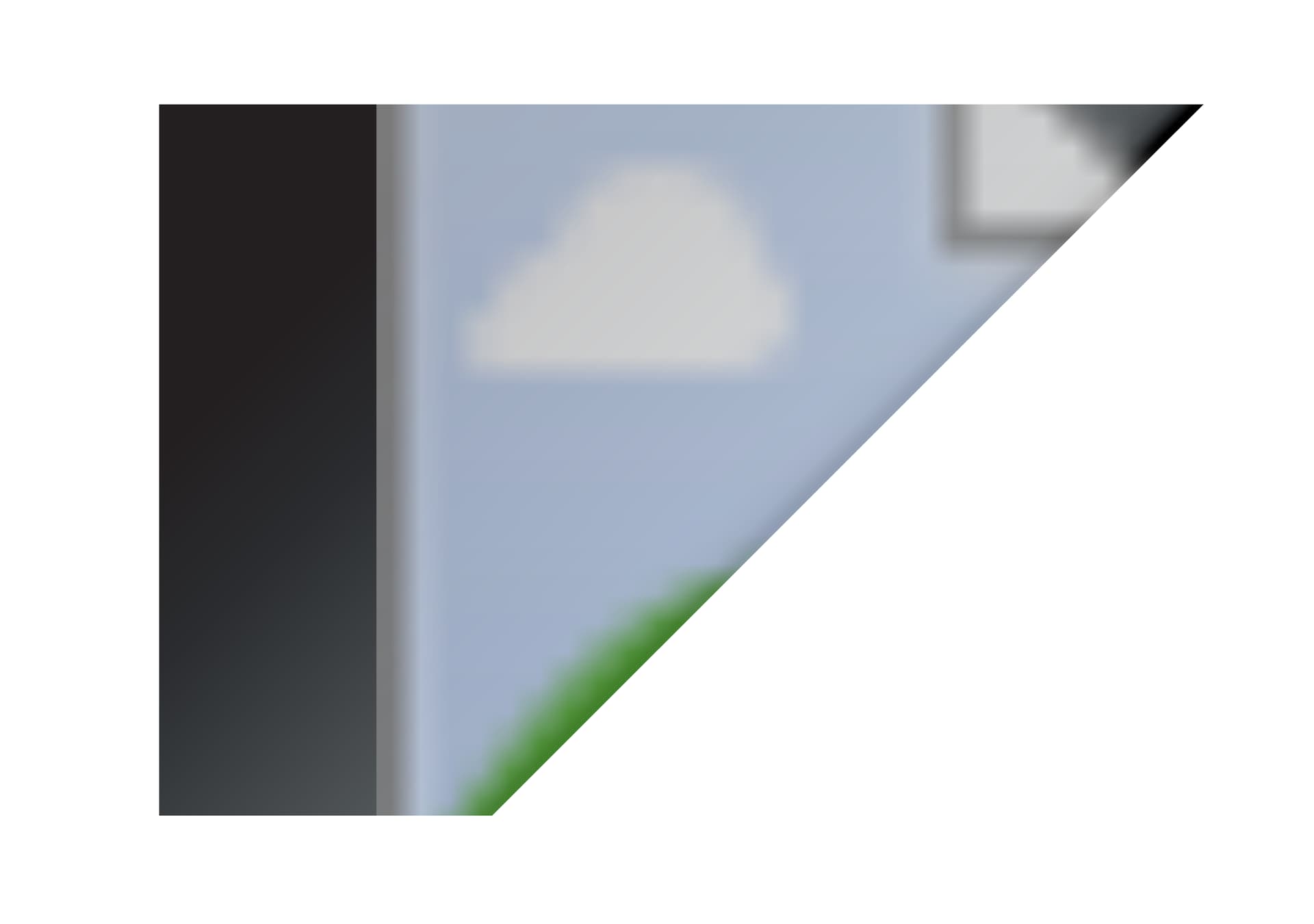
If the .svg file is saved with the images “preserved” or “linked,” this is what I see in the browser:
If the images are saved as “embedded,” this is what I see in the browser:
There are only 3 layers to the image (as we built this one for testing). You can see those at the bottom left of the original screenshot in the first post – two polygons, two backgrounds, and one transparent background in the group. There should be a textured image and a gradient as the background images, and then two polygon shapes. Both background images are black.
If the textured image and the gradient are the reason this is happening, what is the best practice for using those types of layers in fusion? Is there any way to import over the created design from Illustrator with these assets and not have to recreate them from scratch on the Fusion side?
Also an interesting note:
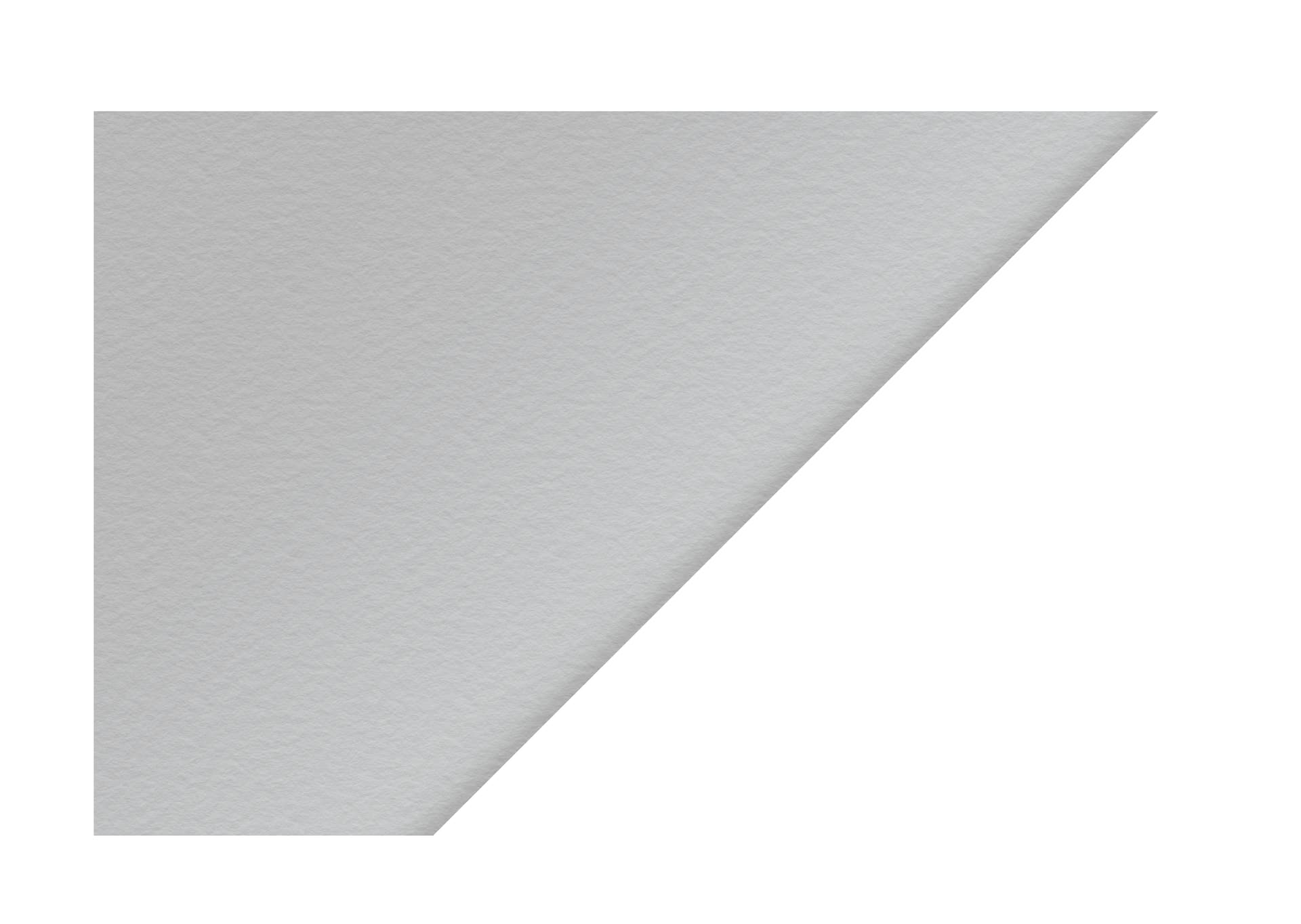
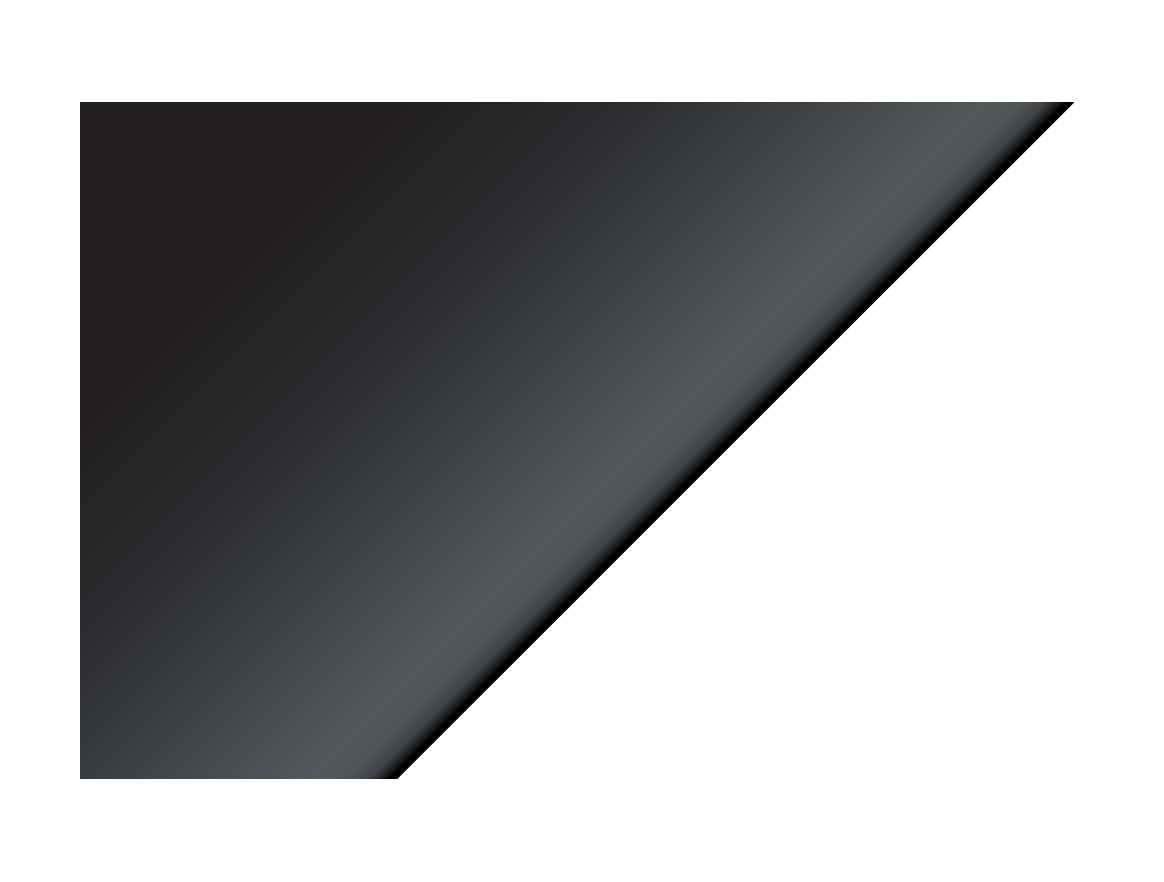
I opened the images above in chrome. If I open them in Firefox, this is what I see:
Preserve:
Embed:
Link:
I don’t understand the use case here.
svg are normally used as a vector file.
Why not use png if you are going to include raster images with transparency?
I know a bit of work was done to the PSD importer a few years ago that might be an option to being in vectors and raster at once. It’s not a workflow I’ve done in the past.
I’m not sure I understand your comment, @JayAreTV . Can you clarify what you mean? I am trying to keep the svg as a vector file.
Preserved, linked, embedded are all ways to include raster images no? A vector file is mainly just coordinates data for paths with color data for each.
Got it. Is there a recommended way to export an .svg from illustrator for Fusion (assuming all of the items in the layers are vector files)?
I’ve used svg files from illustrator and affinity designer hundreds of times and I don’t believe I had to click on/enable anything specific.
1 Like